
A request comes in
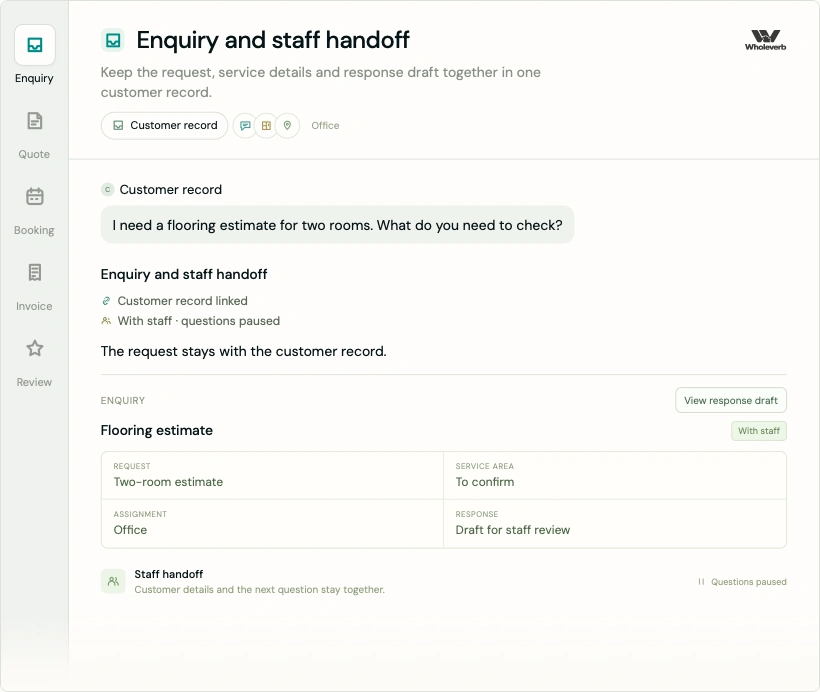
Keep the call or form enquiry, service details and staff handoff in one record. Automatic questions stop when staff take over.
Business systems
A shared place for enquiries, quotes, bookings, invoices and follow-up. Wholeverb prepares your customer workspace around the way your business works, with staff approval where it matters.
Get Started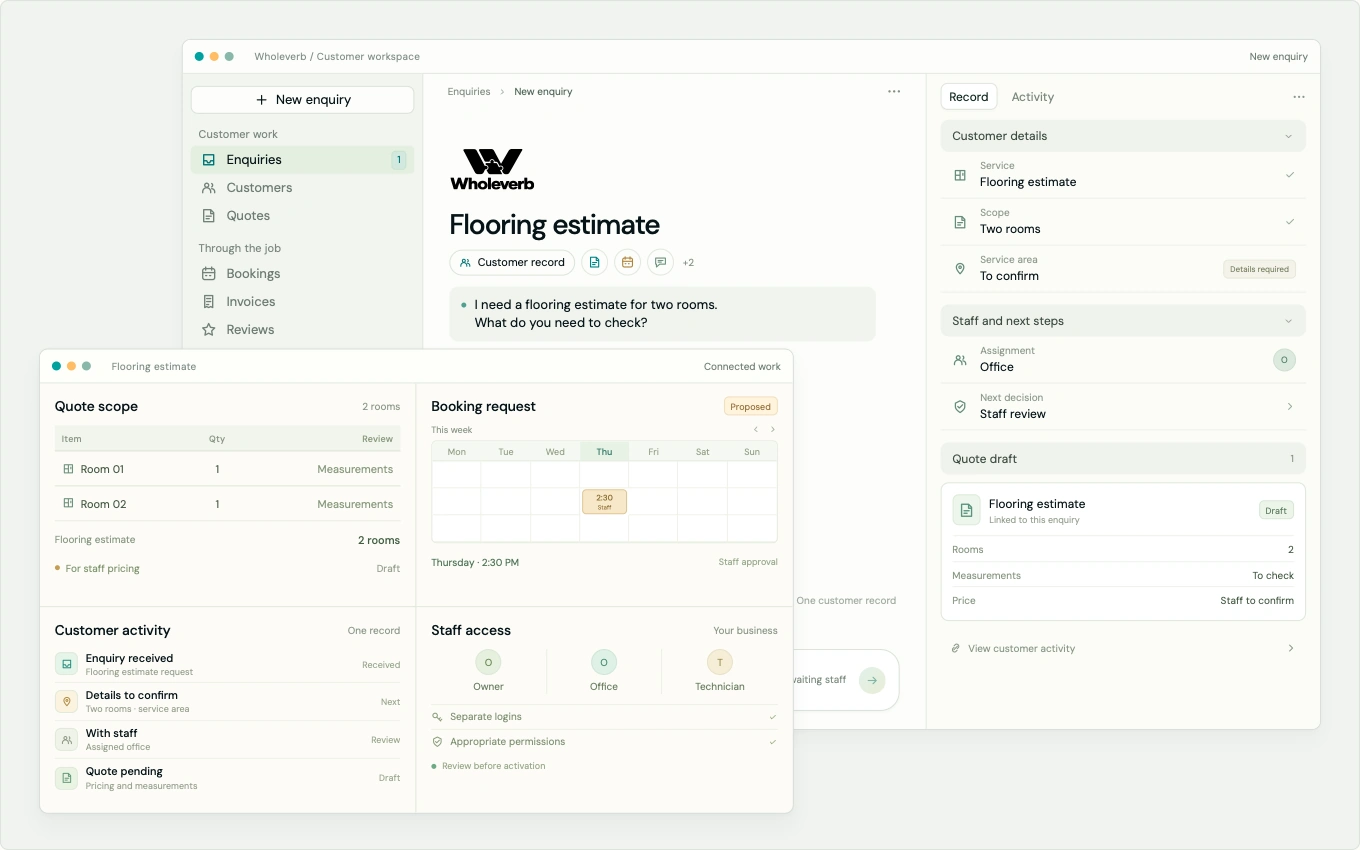
A service-enquiry example. Your staff choose the next action.

The customer context stays with the work. From the first enquiry to a completed job and the next visit, your staff keep a clear view of what happens next.
Inside the workspace
Bring the job context into one workspace. Explore a flooring enquiry through quote, booking, invoice and review preparation, with staff decisions kept visible.
A service-enquiry example. Staff choose and approve the next action.
One connected service
Your website and the work around each enquiry, prepared as one connected service.
The process
Keep the call or form enquiry, service details and staff handoff in one record. Automatic questions stop when staff take over.
Carry the agreed scope into a quote. Staff confirm the price, and approved follow-up stops on a response or resolution.
Keep a proposed time pending until approved. Use the scheduling mode that fits your business, including manual staff booking.
Prepare a simple invoice from the job. Payment collection depends on a reviewed, activated provider setup.
Staff mark completion. Prepare an honest review request or a return-visit message with the audience, timing and usage reviewed first.
The package
One location or mobile operation, including your staff
A managed website and a shared place for enquiries, quotes and everyday work, with care that continues after launch.
No setup fee
Get StartedSee package and billing detailsCalling and texting allowances and extra-use rates are confirmed before activation. Your first payment starts setup; the next payment follows one month after the tested launch.
Human control
Keep your existing tools or discuss a switch. We prepare the workspace and review the setup, with clear responsibility for each next step.
| WholeverbWe prepare and review | Your teamYou decide and approve | |
|---|---|---|
| Customer communication | Wholeverb prepares acknowledgement, basic questions and approved follow-up. | Your staff choose the next action and take over conversations. |
| Quotes and jobs | The workspace keeps those details with the same customer record. | Staff confirm scope, pricing and the booking decision. |
| Messaging programmes | Wholeverb prepares editable templates and the reviewed setup. | You review audience, timing and usage before activation. |
| Existing tools and records | Imports are checked before entry; they do not send messages. | You choose what stays and provide the appropriate access. |
| Team access | Setup includes appropriate permissions for each role. | Owner, office and technician responsibilities stay distinct. |
| How setup works | Keep your existing tools. |
On smaller screens, scroll the table to compare both responsibilities.
The work
Software and websites you can inspect, with the scope and current state made clear.
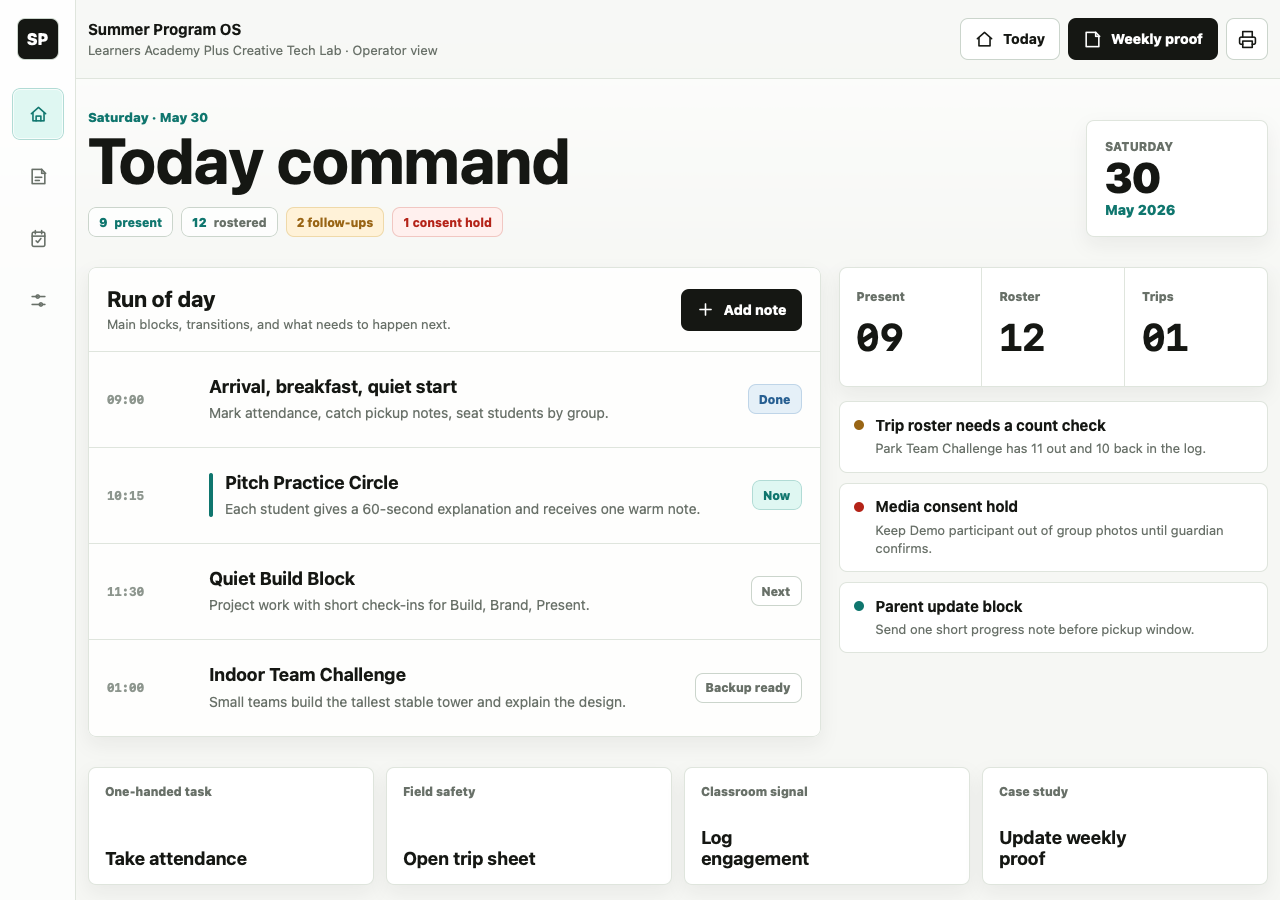
A seeded daily view for schedules, attendance context and staff follow-up.
Explore the project
A detailing website that brings services, vehicle care and the next enquiry into one clear path.
Explore the project
A flooring website built around real materials, room inspiration and a clear route to an estimate.
Explore the projectSummer Program OS is a seeded internal demonstration. Alum and Church Street show website design previews.
Before we begin
Yes. You can keep your existing software and use Wholeverb alongside it. Selected standard integrations may follow; a custom connection to every tool is not included as a promise.
No. Scheduling is optional. You can keep an external calendar, use enquiry forms, have staff book manually, or prepare online booking when it is useful. A pending request is kept separate from a confirmed appointment.
The planned business number forwards calls to your existing phone. Texts are handled in Wholeverb. Missed-call follow-up can acknowledge the enquiry, collect basic details and notify staff after the communications setup is ready and tested.
Your staff keep control of the scope, price and booking decisions. Quote follow-up stops when a customer responds or the enquiry is resolved. Appointment changes stay subject to staff approval.
Imports go through field matching, duplicate checks and review before entry. Importing records does not send messages, and an imported list does not by itself establish permission to contact people.
Setup includes reviewing separate owner, office and technician access, with permissions suited to the work each person needs to do.
Each service goes through reviewed setup before activation. Payment collection depends on the chosen provider and account. Messaging needs the appropriate recipient permissions and review of audience, timing and usage. Review requests invite honest feedback without selecting people by expected positive sentiment.
No. It is part of the single $249/month Wholeverb package. There is no setup fee. Calling and messaging allowances and extra-usage rates will be confirmed before activation.
Your first payment starts setup. After you approve the website preview, Wholeverb tests the website and core communications. The live month begins when those essentials work and have been tested; the next payment is one month after that launch point. Optional calendar or payment activation does not delay it.
Another question? Get in touch with Wholeverb
Start your project
Choose a website direction and tell us about your business.